For freelancers & agencies · Visual builder + AI agents

Build client sites.
Let AI operate them.

Design visually when you want control. Ask Claude, ChatGPT or any MCP client when you want speed. CMS, hosting and publishing are already there.

✓ Free to build✓ Start immediately✓ Hosting, SSL & rollback included
Communik workspaceAI connected

Design

Canvas + prompt

01

Content

CMS + pages

02

Operate

AI actions

03

Scale

Client portfolio

04
ClaudeChatGPTMCP
Creative range

Give every client
their own visual language.

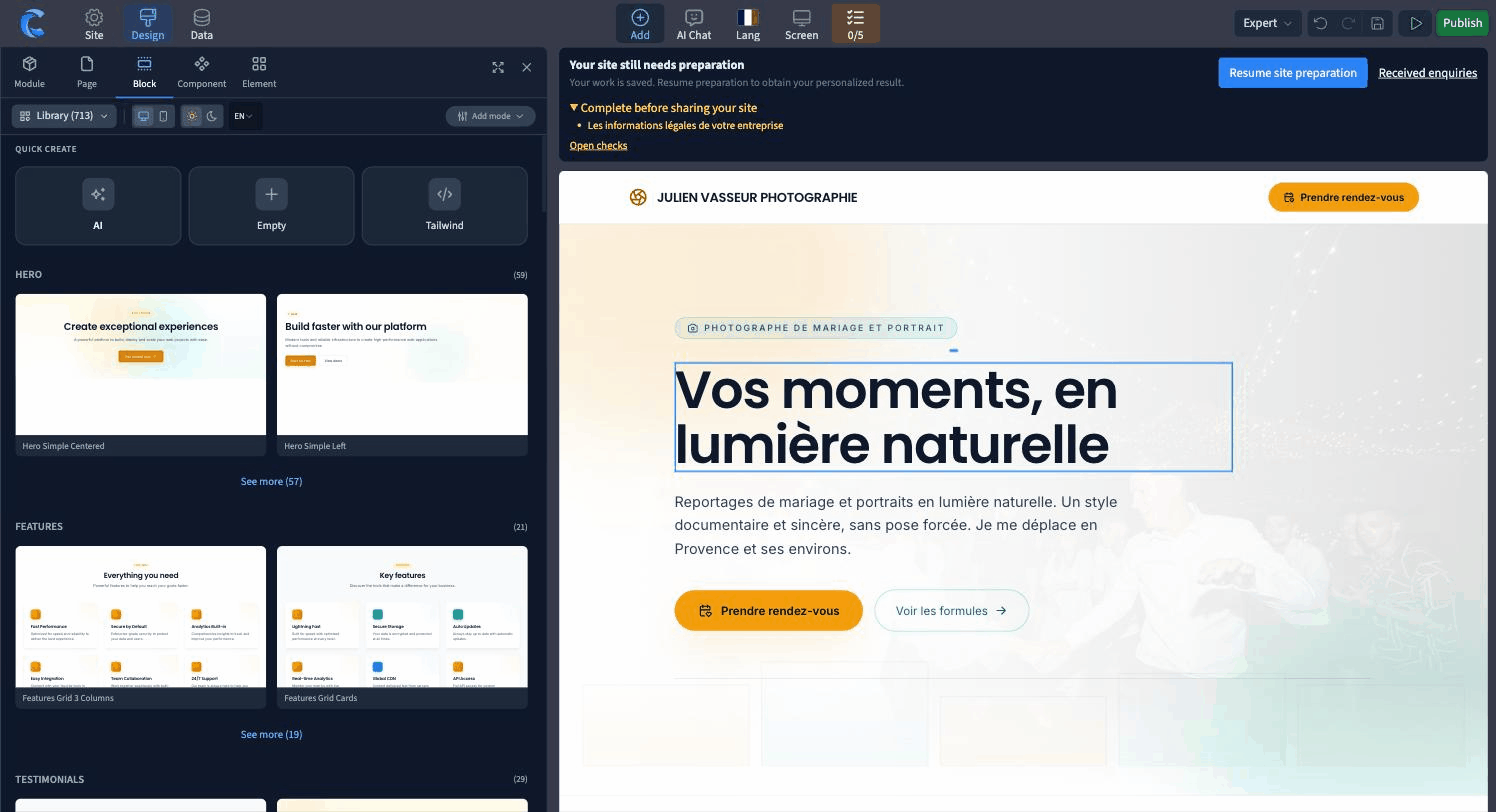
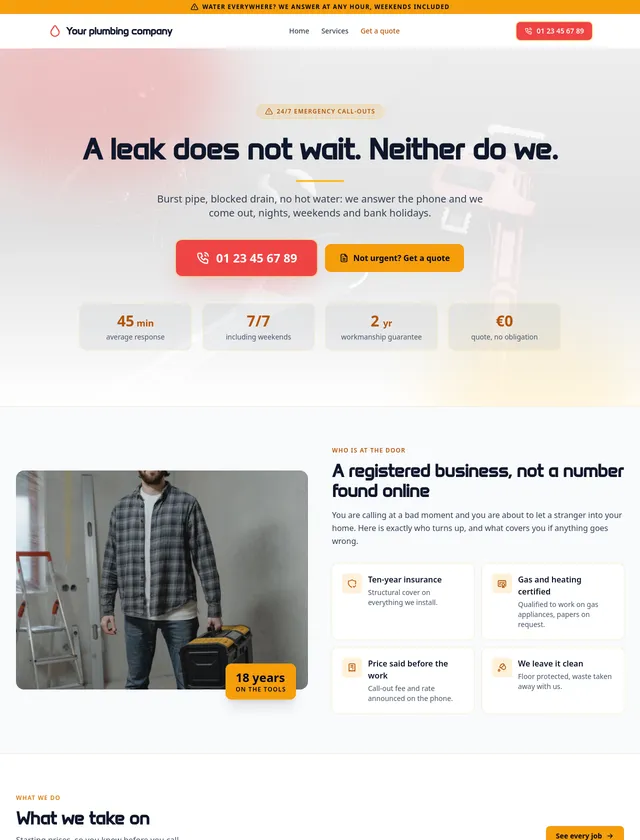
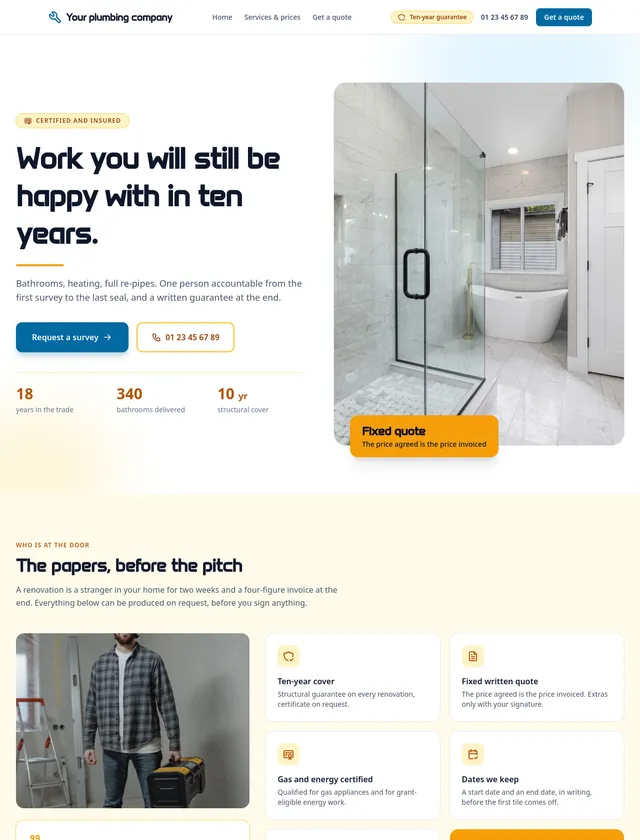
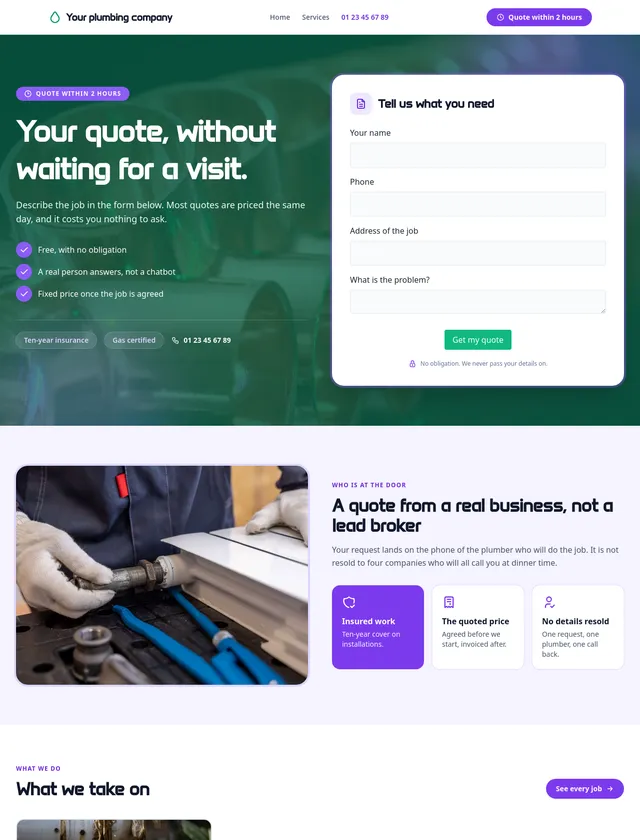
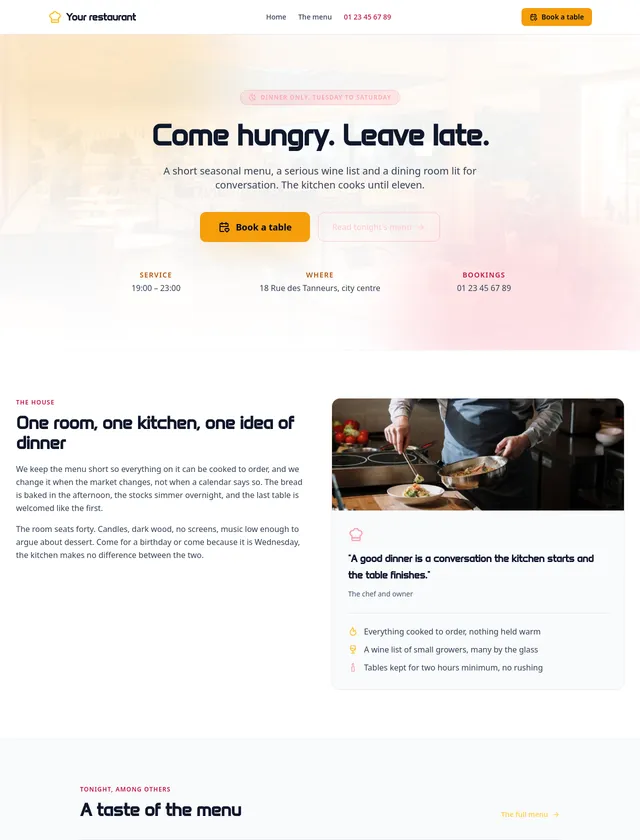
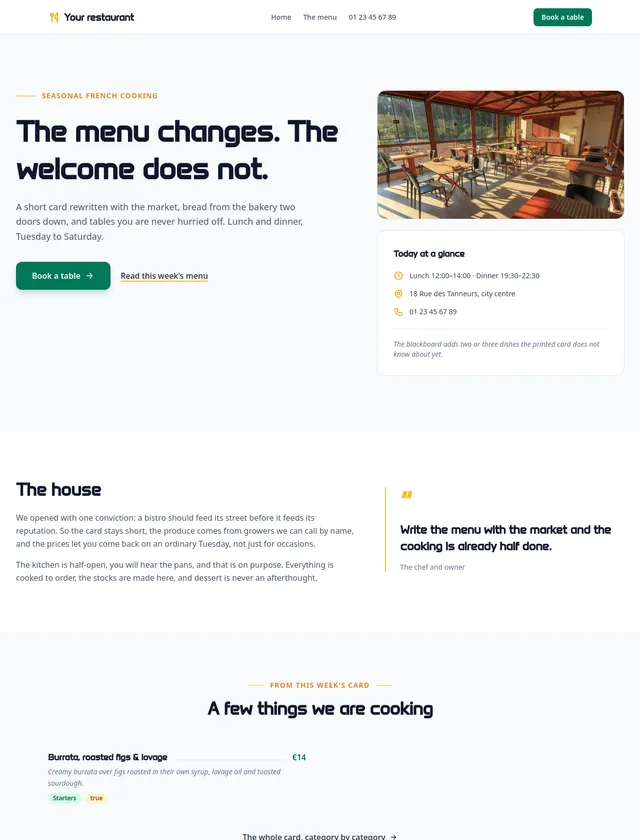
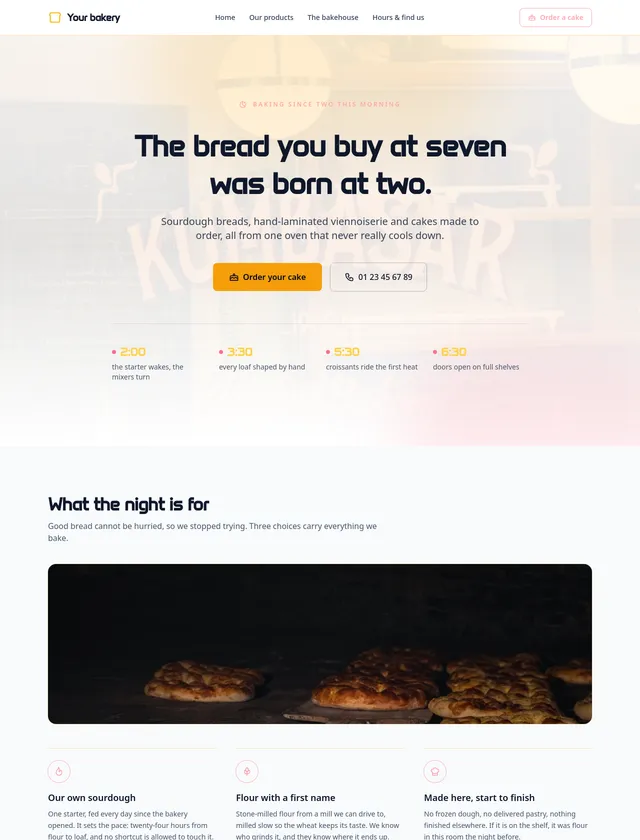
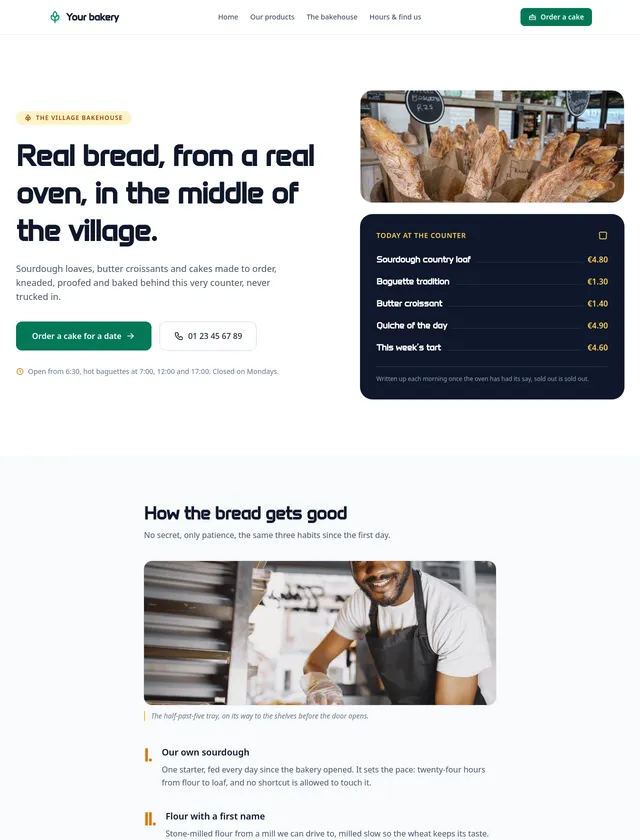
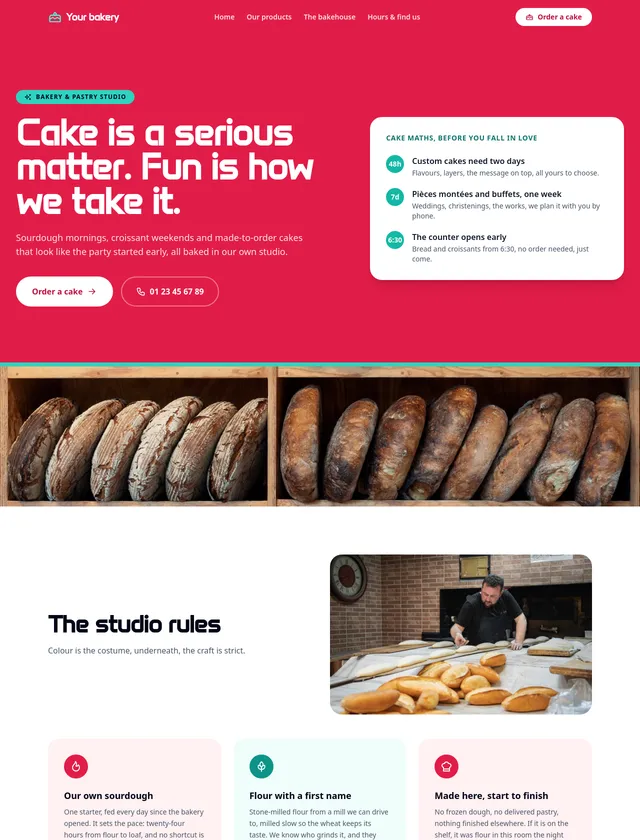
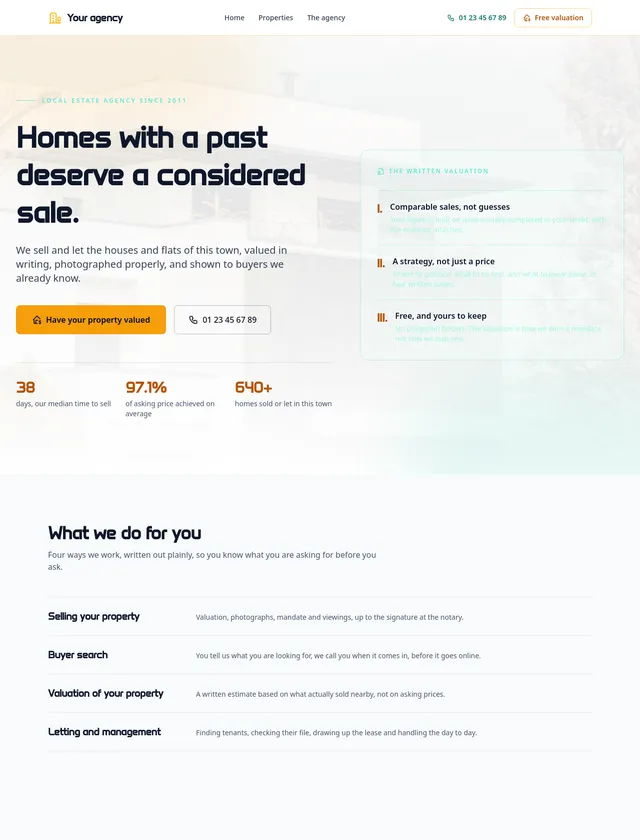
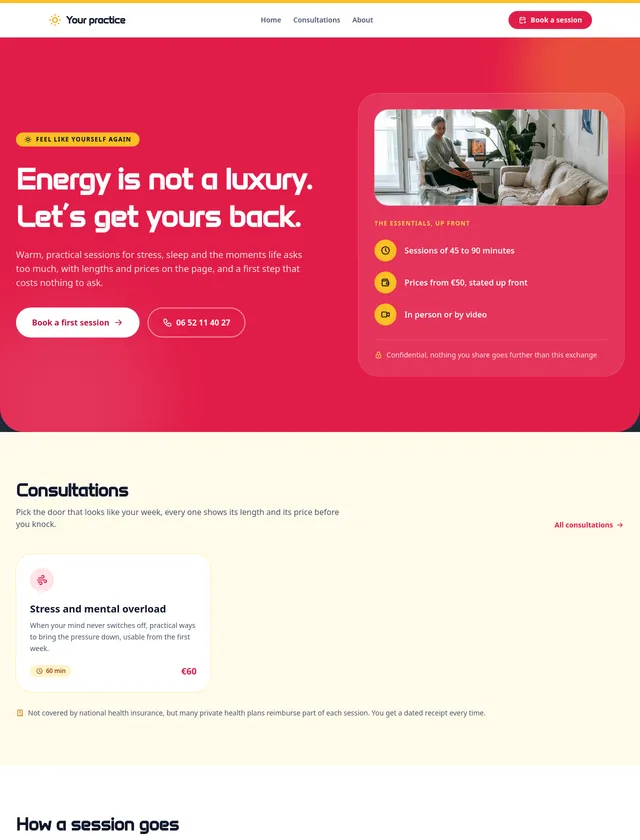
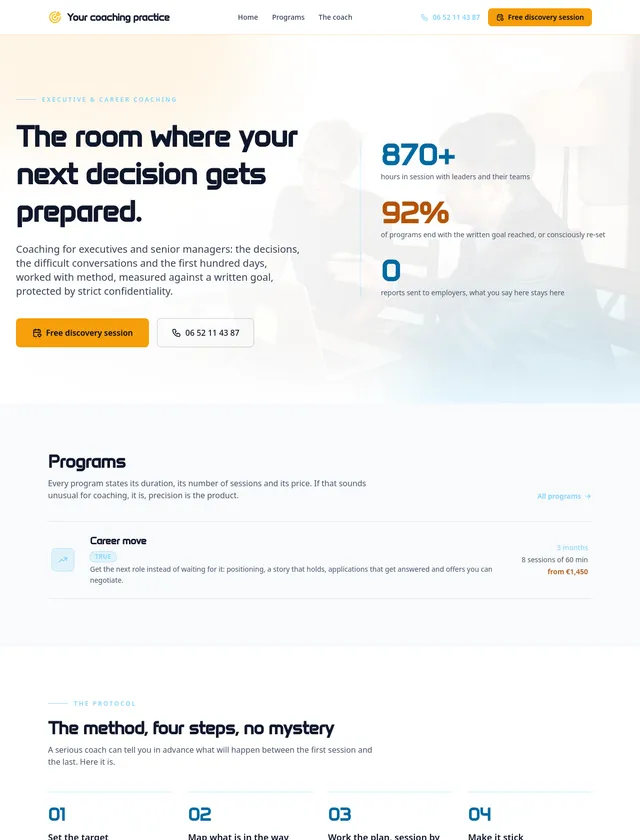
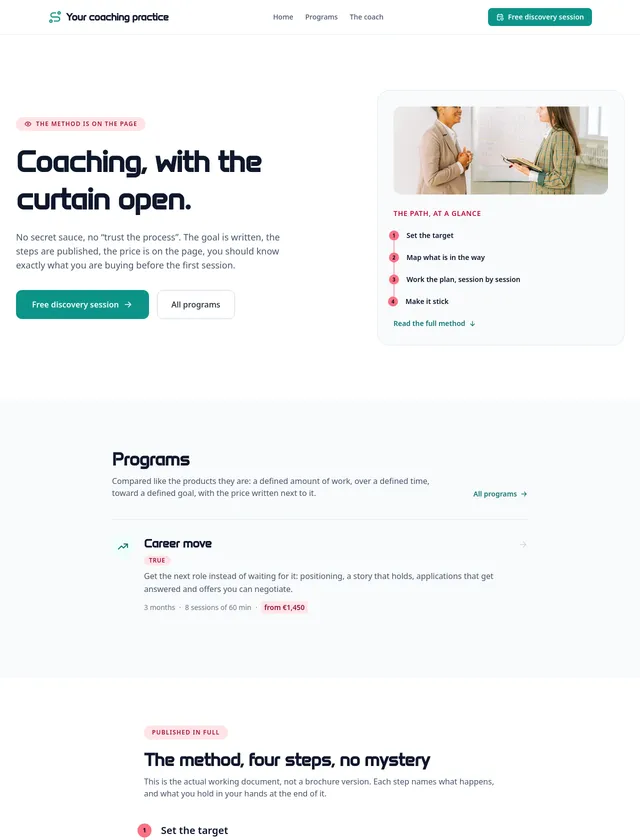
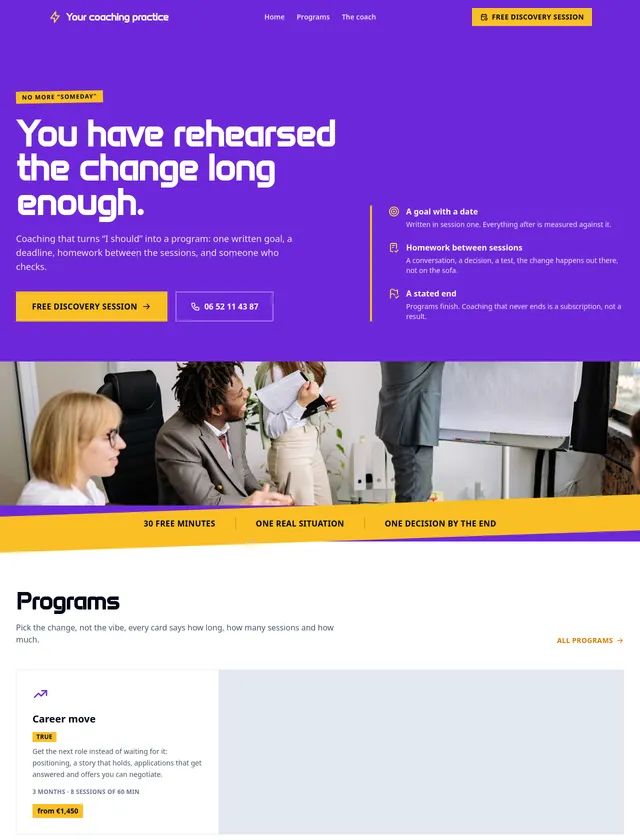
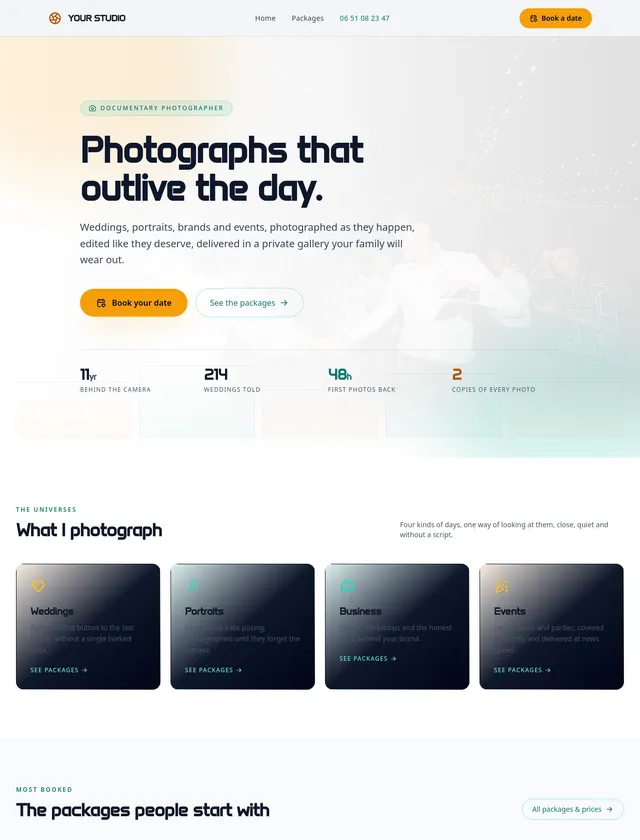
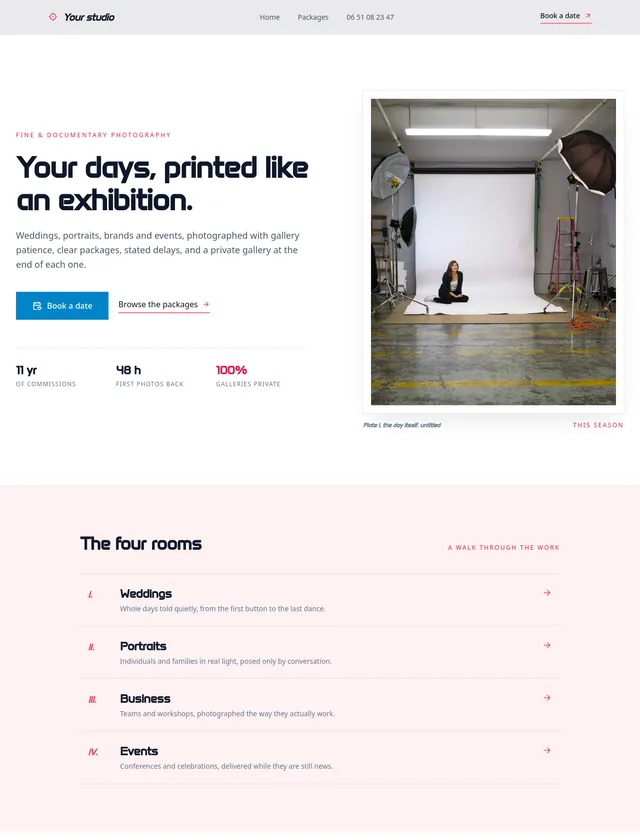
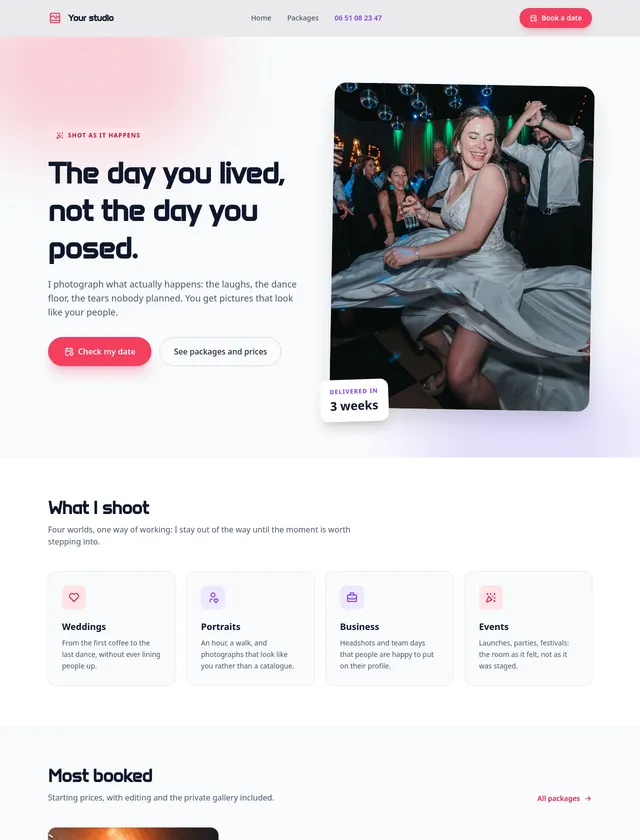
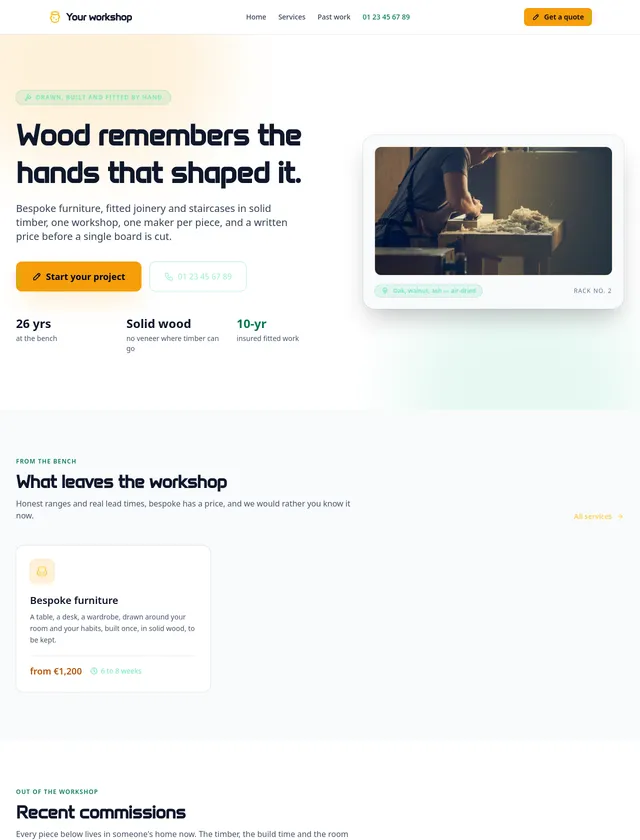
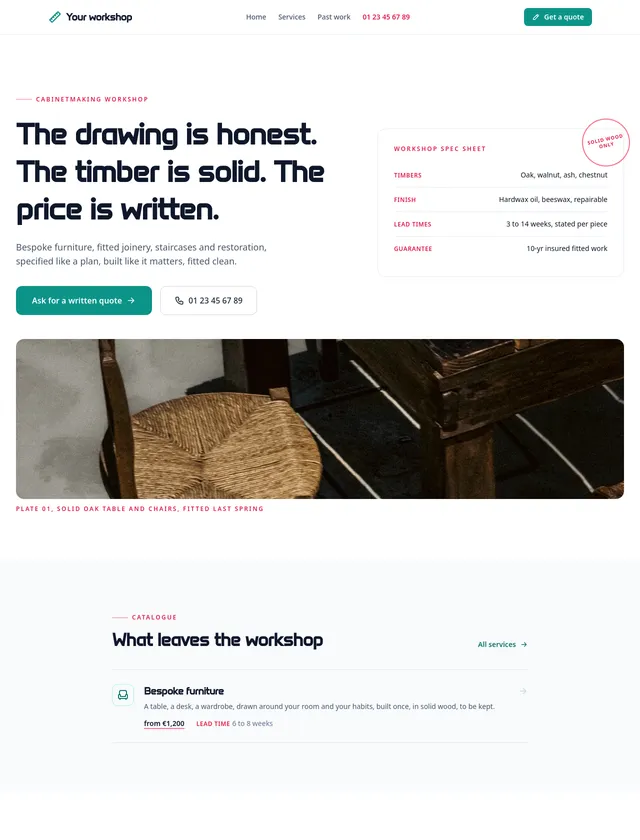
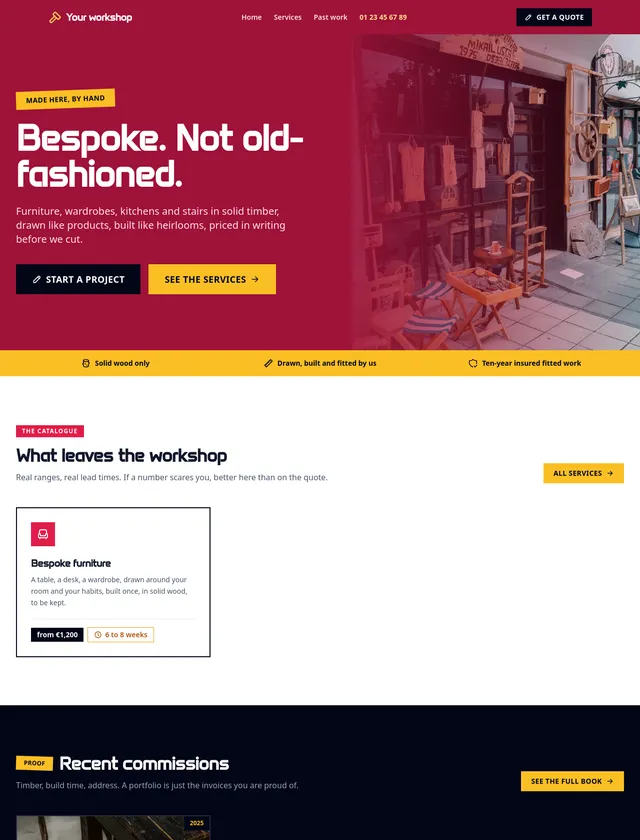
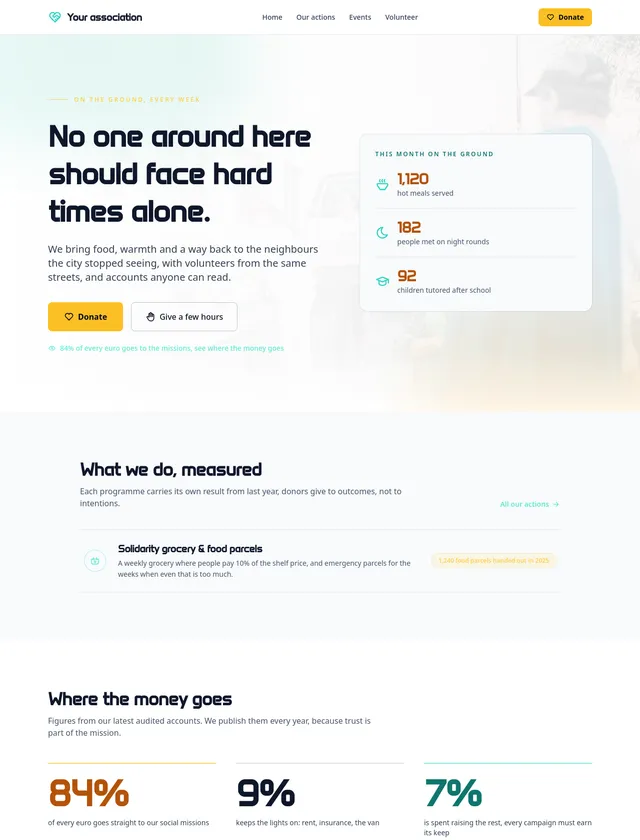
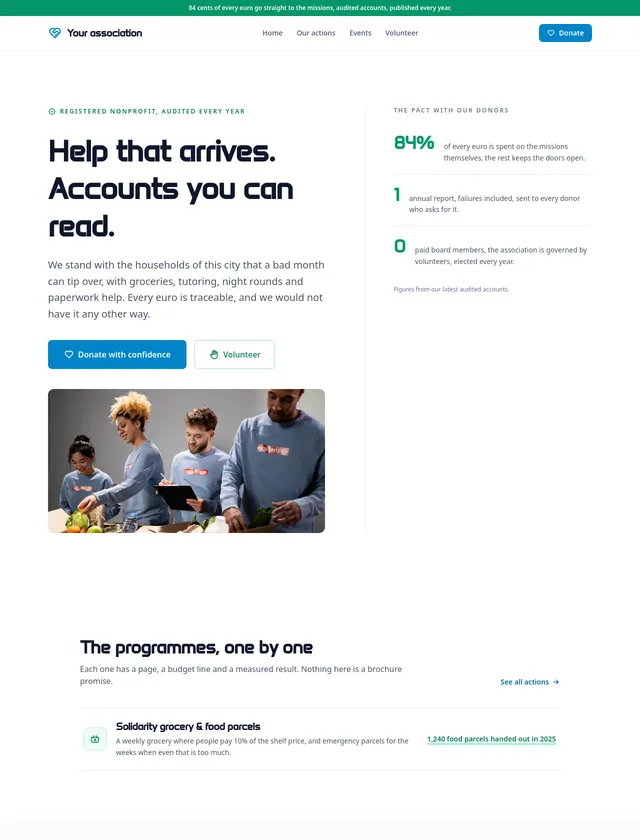
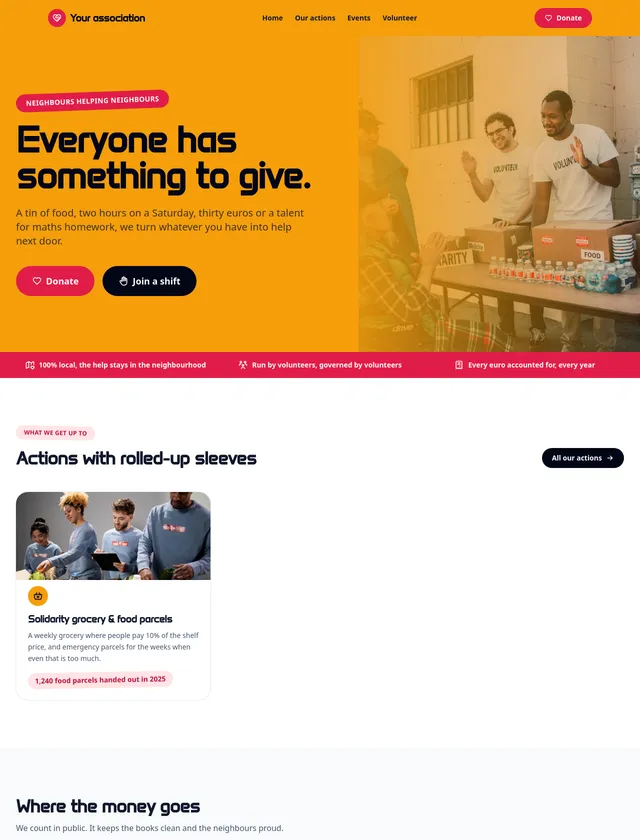
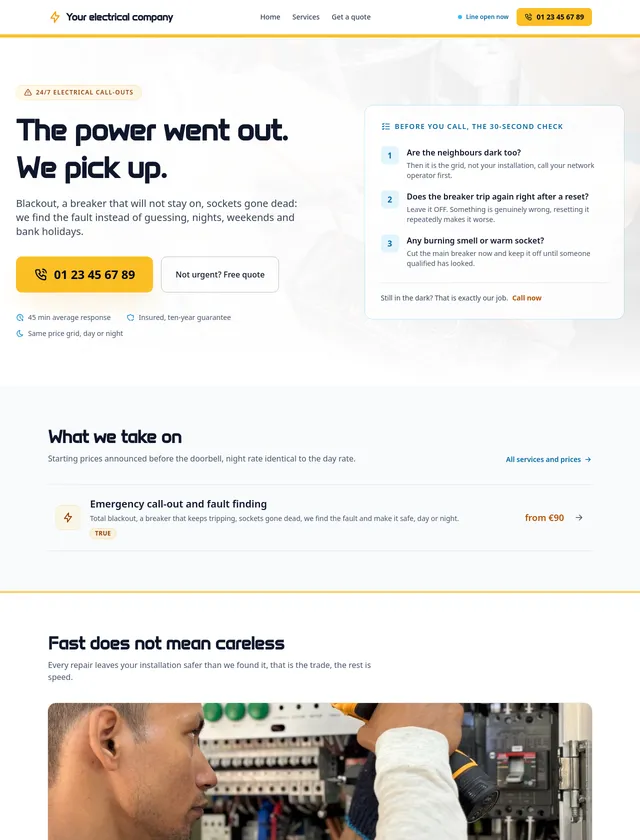
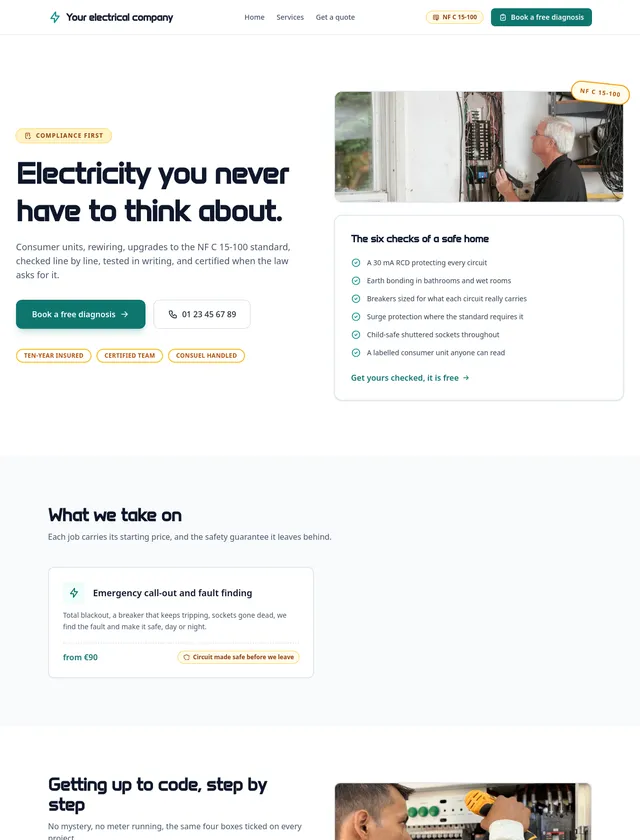
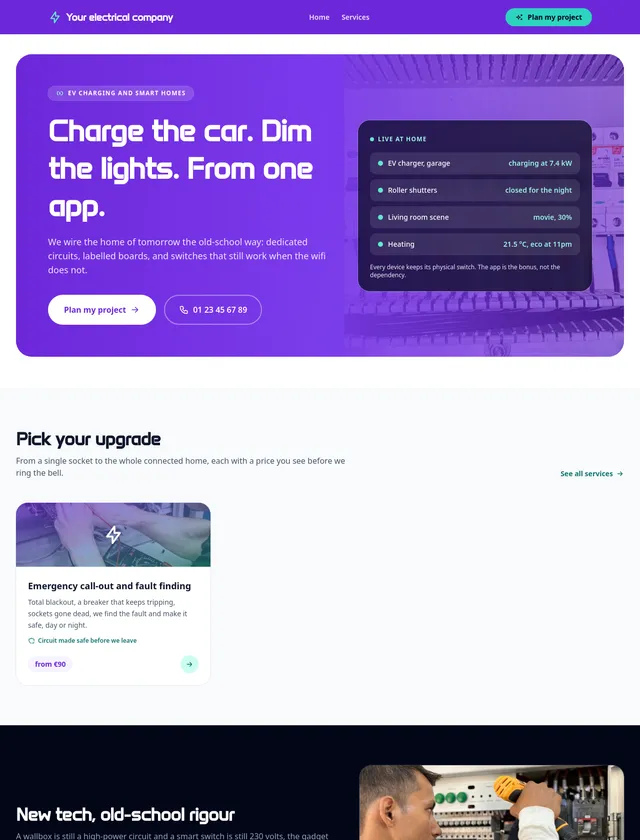
These are real pages built in Communik across different industries, palettes, type systems and layouts. Use them as a starting point, then shape the identity your client needs.

Start from a ready-to-customize site
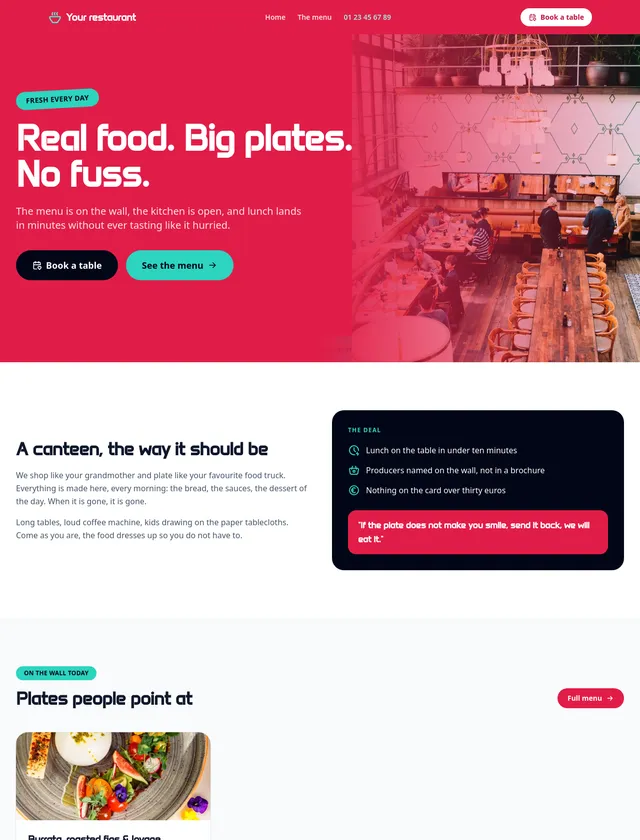
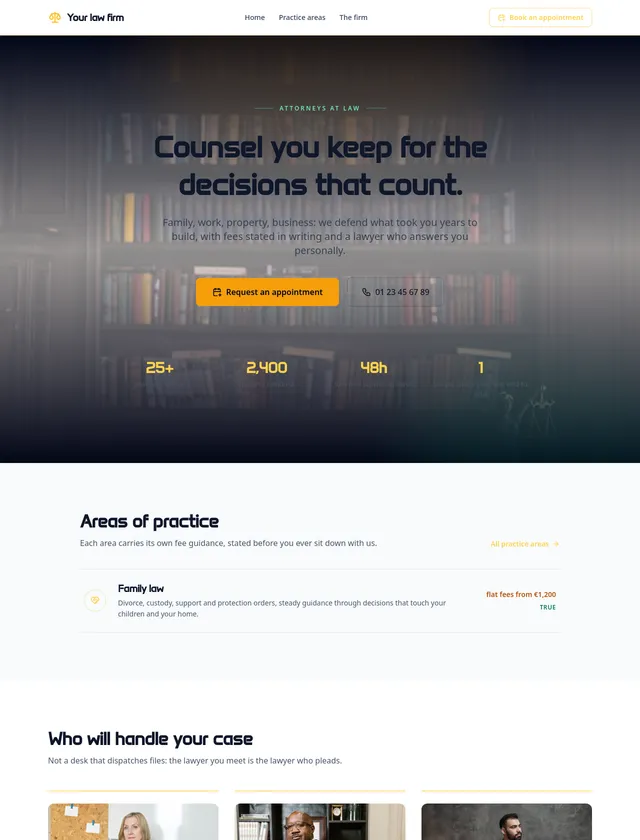
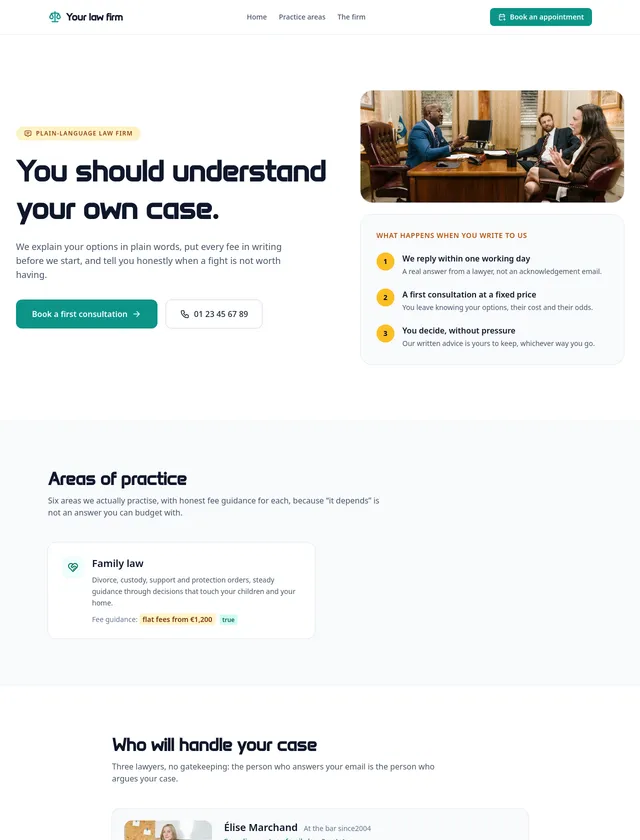
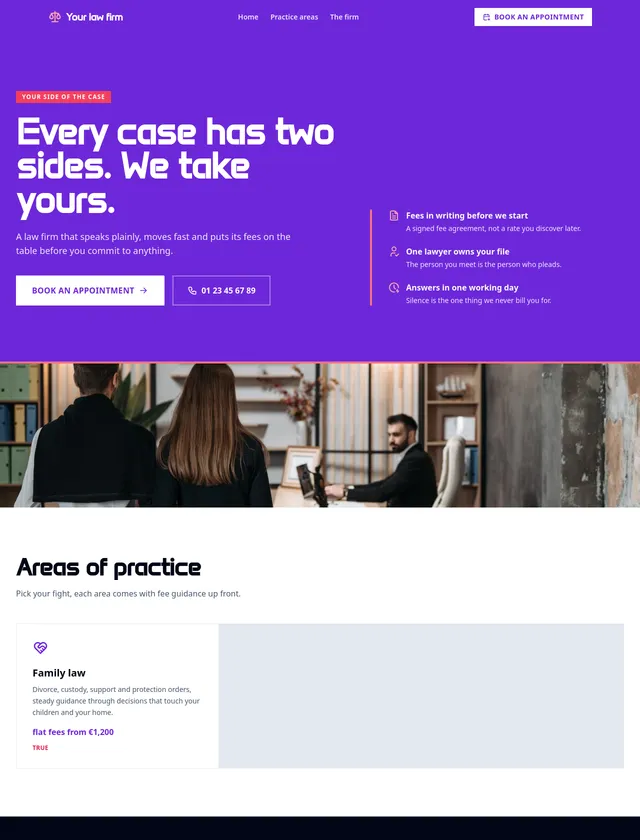
Plumber module, night designPlumber module, editorial designPlumber module, colour designRestaurant module, night designRestaurant module, editorial designRestaurant module, colour designLaw firm module, night designLaw firm module, editorial designLaw firm module, colour designBakery module, night designBakery module, editorial designBakery module, colour design
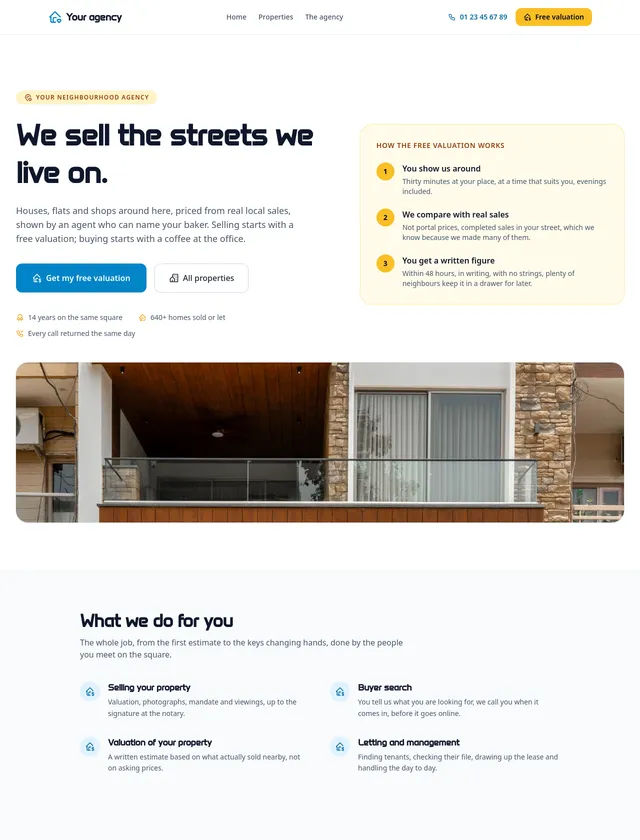
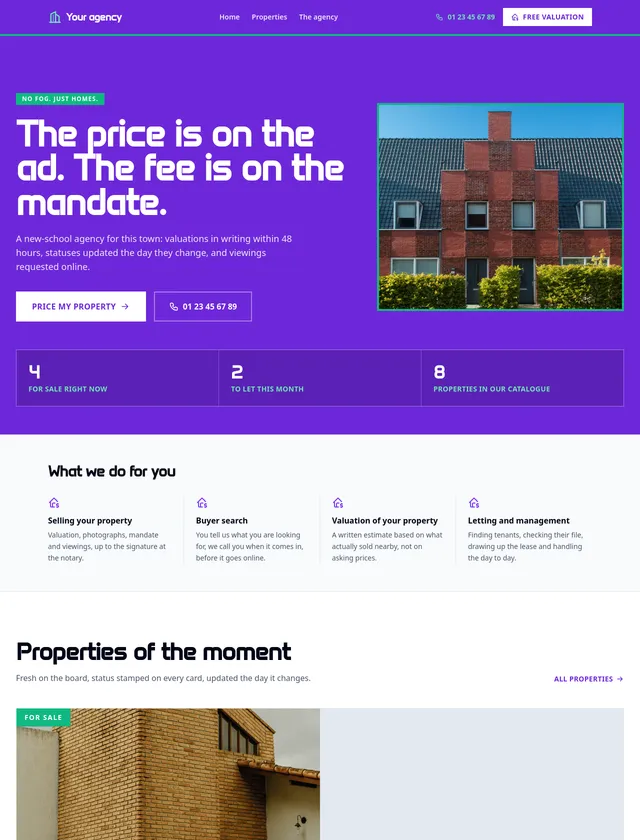
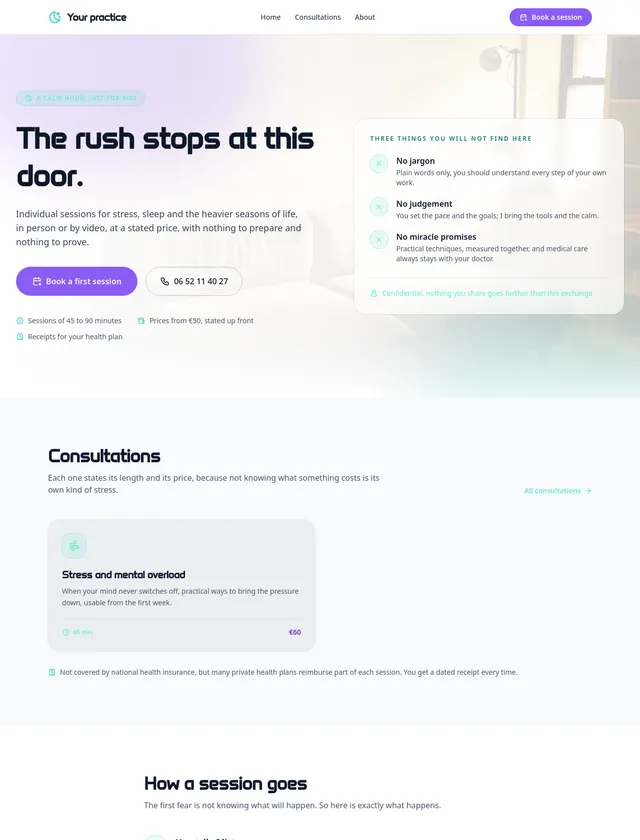
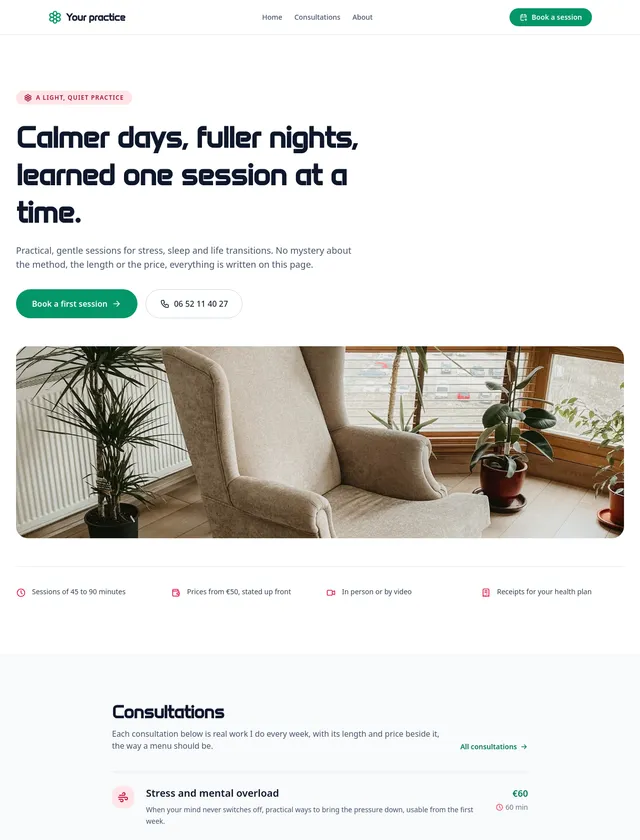
Real estate module, night designReal estate module, editorial designReal estate module, colour designTherapist module, night designTherapist module, editorial designTherapist module, colour designCoach module, night designCoach module, editorial designCoach module, colour designPhotographer module, night designPhotographer module, editorial designPhotographer module, colour design
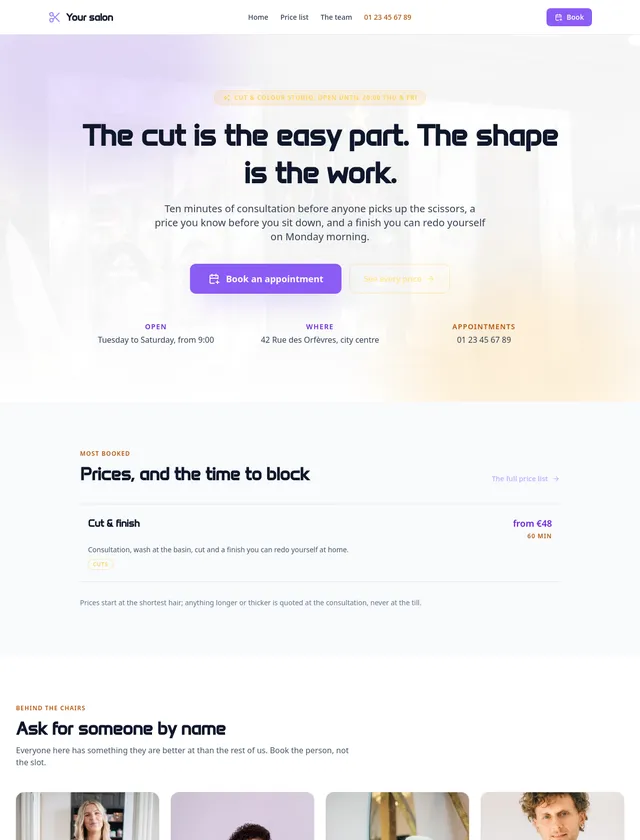
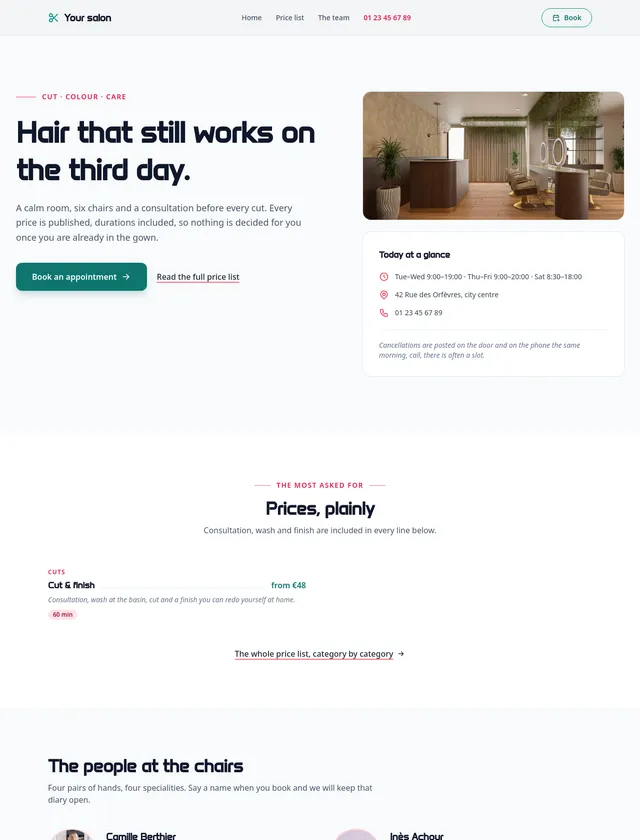
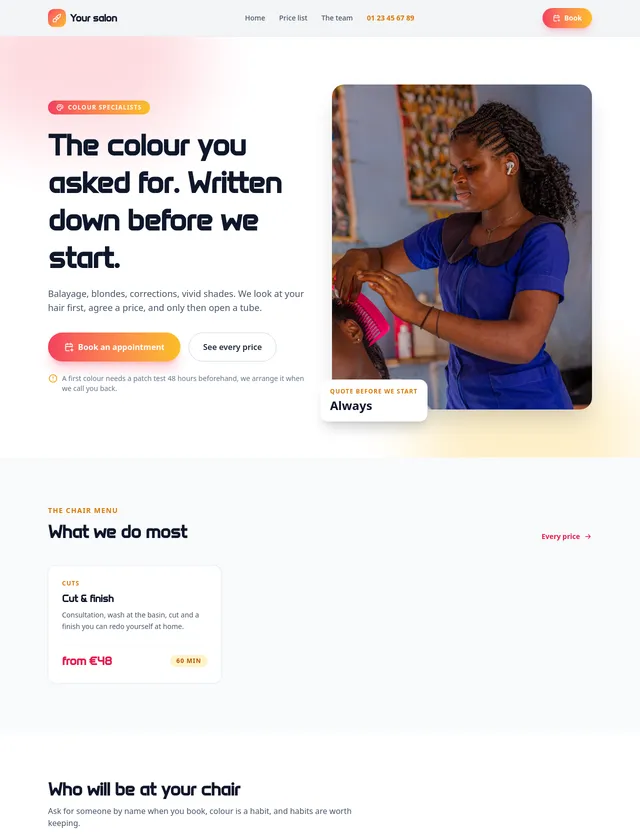
Craftsman module, night designCraftsman module, editorial designCraftsman module, colour designNonprofit module, night designNonprofit module, editorial designNonprofit module, colour designElectrician module, night designElectrician module, editorial designElectrician module, colour designHair salon module, night designHair salon module, editorial designHair salon module, colour design
Real pages · distinct visual directions · every detail stays editableExplore real site examples →
From build to operations

Everything you need.
To ship real client sites.

Communik brings design, content, business features, publishing and portfolio operations into the same project.

APPBusiness features

Turn the site into a working service

Bookings, member areas and forums come with their own administration. Secure forms and managed email are part of the same platform.

BookingMembersForumFormsEmail
NETAgency operations

Run the whole client portfolio

Networks distribute shared content and resources across selected sites, with segments, per-site overrides and conflict handling.

Multi-site Networks
Publishing

Every release is versioned

Staging, compiled versions, block snapshots, full backups and instant rollback.

Portability

Deploy on your terms

Export a static site and deploy to Vercel, Netlify, Render, Cloudflare, GitHub or GitLab.

CMS

Content becomes pages

Relations, live lists, filters and one dynamic template that renders every row with its own URL and SEO.

Platform foundation
SSRTranslated URLshreflangJSON-LDRedirectsWorkflowsAnalytics
From assistant to operator

AI is everywhere.
MCP is what lets it work on the real site.

Connect Claude, ChatGPT or another MCP client. Communik exposes 200+ actions across design, pages, CMS, content, forms, publishing and versions. The agent works on the same project you edit visually. Below is the real Château Valmere session, built from an empty project and captured from its published staging versions.

01 · First build
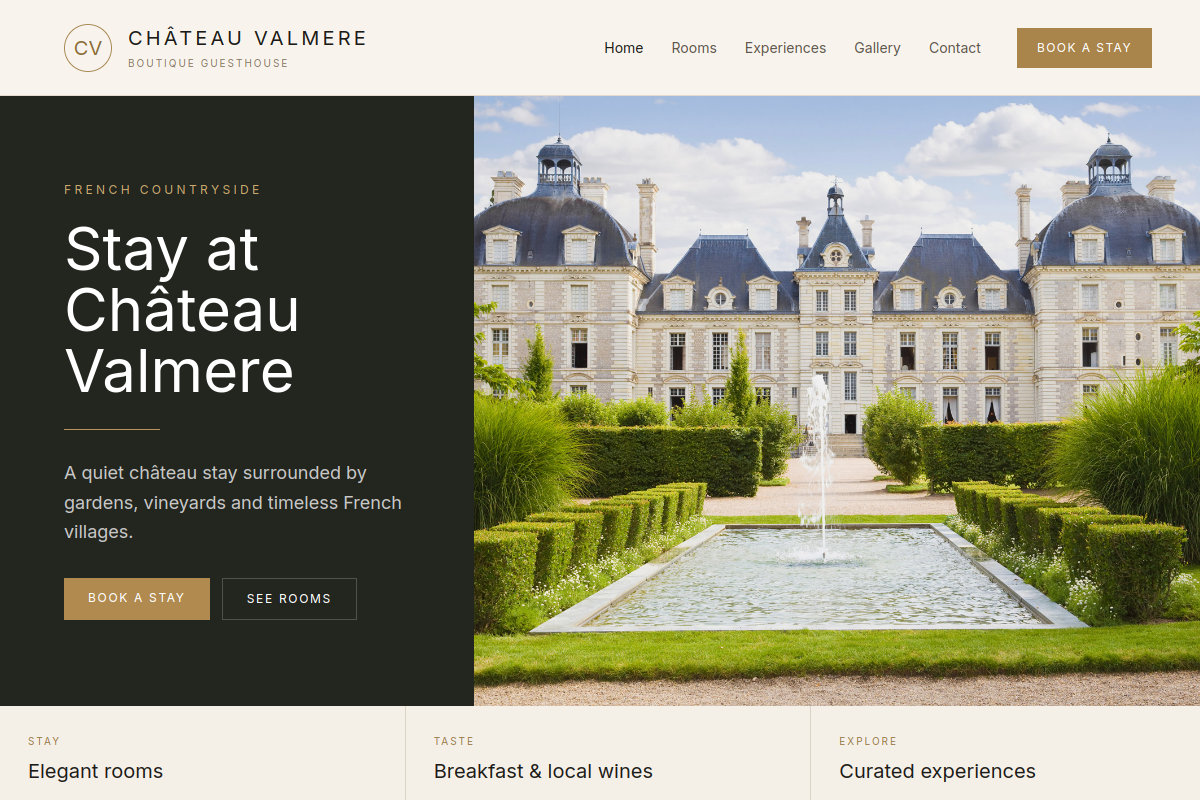
From an empty project,
to a first published home.

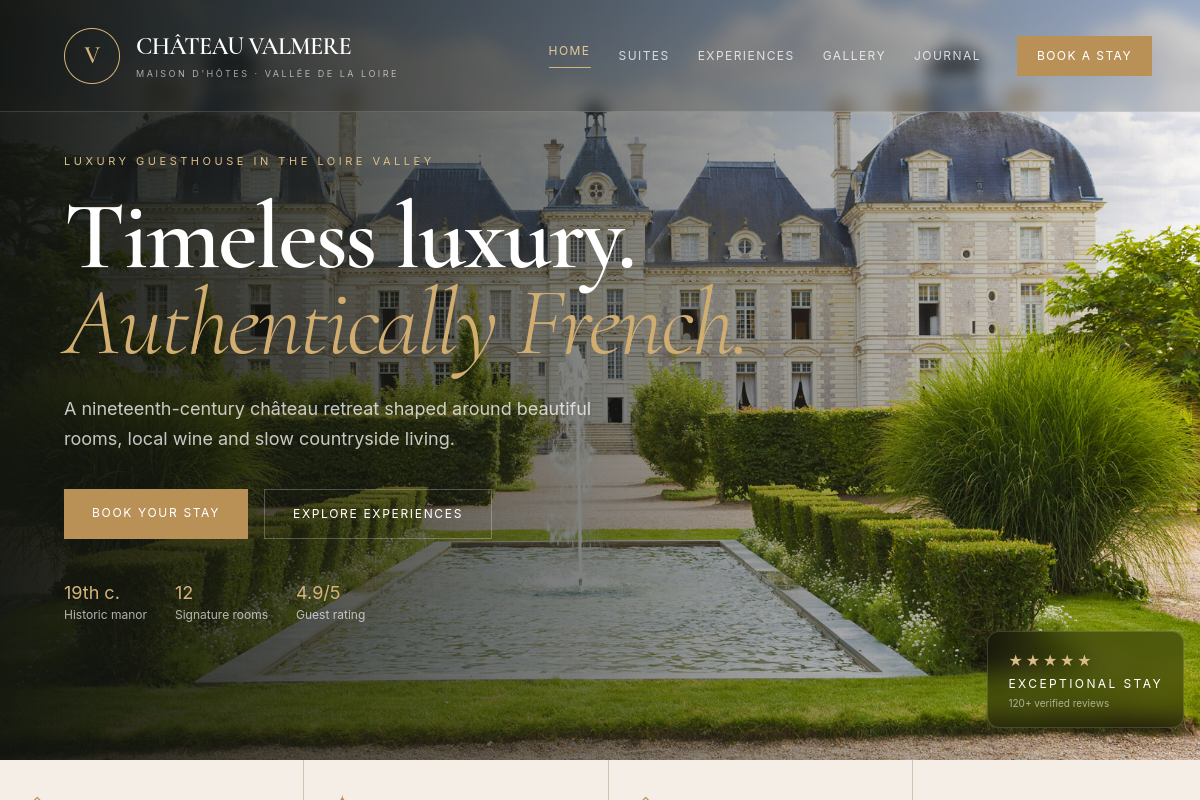
Château Valmere first published homepage, captured from the real Communik staging site
AI ChatMCP

Create a boutique guesthouse site for Château Valmere. Start with a clean home and a clear path to rooms and experiences.

create_projectcreate_blockpublish_site

First home published in staging. Header, hero, visual direction and the first client journey are live.

02 · Art direction

A luxury art direction, across the same project.

Château Valmere premium redesign, captured from the real Communik staging site
AI ChatMCP

Push the art direction much further: cinematic château, editorial typography, a richer header and a real luxury hospitality feel.

update_themeupdate_block_htmlpublish_site

Theme and home updated. The same project now has a stronger identity, richer hierarchy and a premium hospitality direction.

03 · CMS

Suites become structured content.

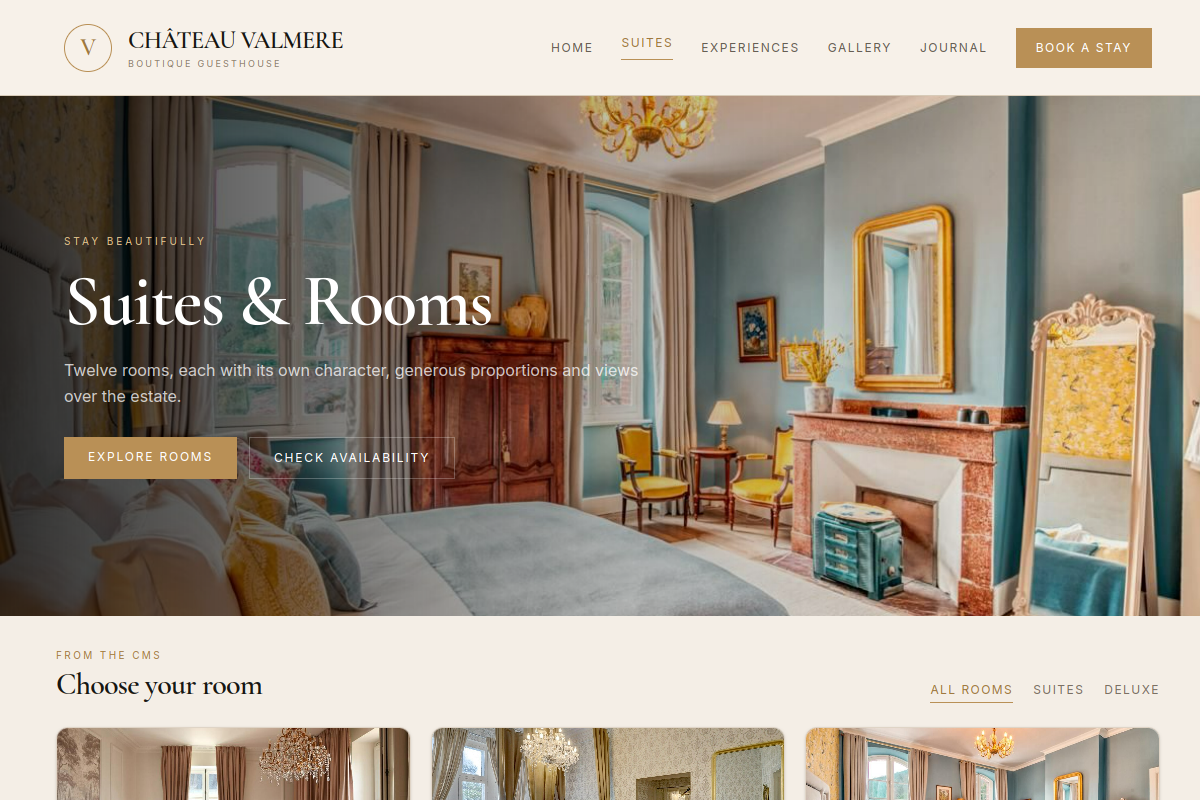
Château Valmere Suites page powered by CMS, captured from the real Communik staging site
AI ChatMCP

Add a Suites page powered by a CMS so rooms, prices and content can be managed as structured data.

create_collectioncreate_block

Suites collection created with three rooms. /rooms renders the CMS with categories, prices and room cards from the same data.

04 · Experiences

The site expands into real client journeys.

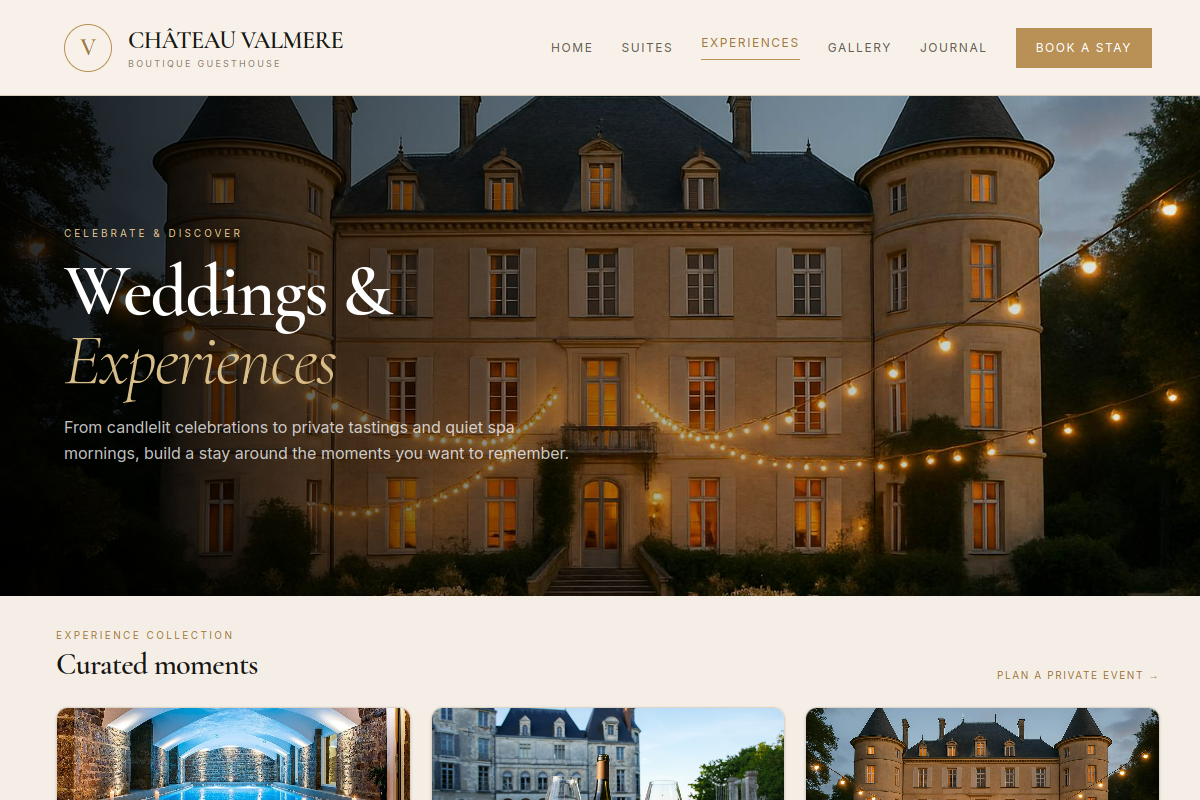
Château Valmere Experiences and Weddings page, captured from the real Communik staging site
AI ChatMCP

Add an Experiences page for weddings, Loire tastings and spa escapes. Make the new capability visible from the first screen.

create_pagecreate_block

Experiences collection and /experiences are live with weddings, tastings and spa escapes, all inside the same project.

05 · Booking

The final home brings booking into the first screen.

First published Château Valmere homepage before the final evolution

First publish

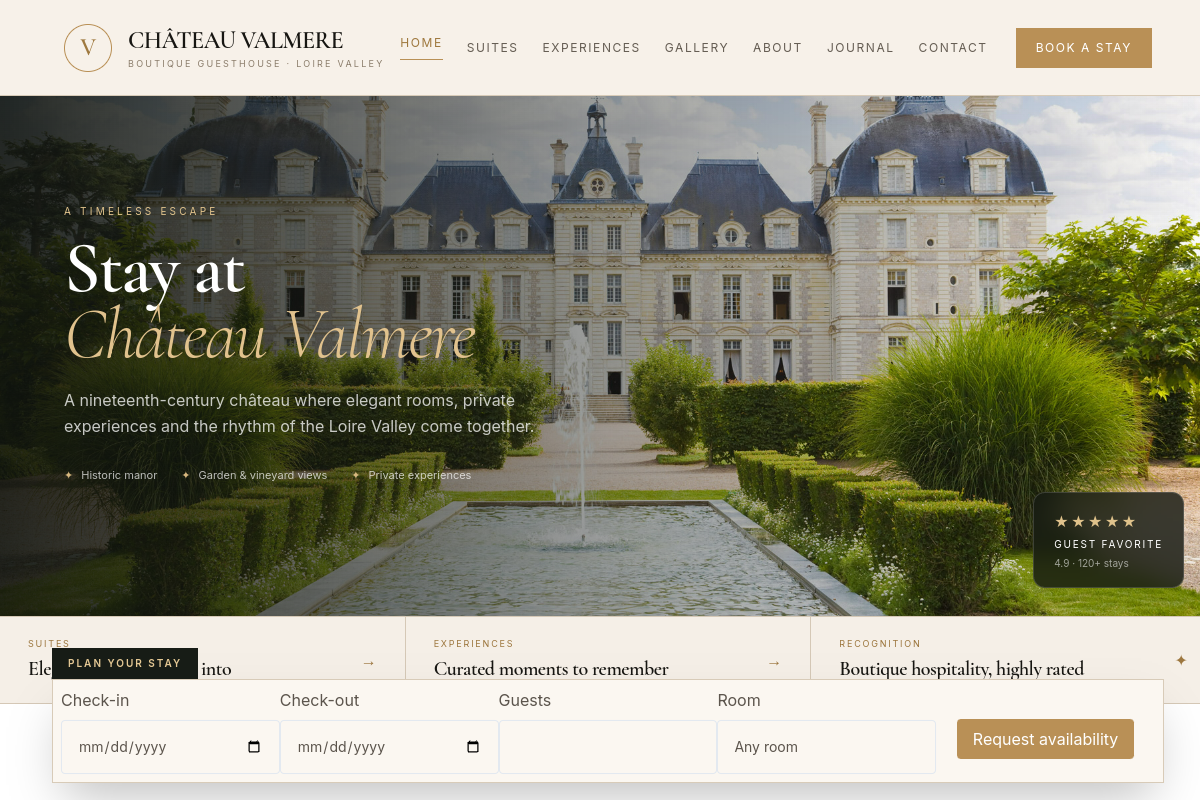
Final Château Valmere homepage with booking request form, captured from the real Communik staging site

Final booking-first home

AI ChatMCP

Make the home booking-first. Add a real stay request with dates, guests and room preference, and reflect the full site in the navigation.

create_formpublish_site

A secure stay-request form is now connected to its submissions collection. The final home, Suites and Experiences routes are published and verified.

Real MCP session. Five requests were run against an empty Communik project. Every screenshot is a published staging result captured directly from that project.

Built-in AI in the editor · MCP for Claude, ChatGPT and other external agents

Agency production stack

Build, deliver and operate
client sites at scale.

Communik covers the full production cycle: design, structured data, business features, client handoff, multilingual SEO, publishing and multi-site operations.

01
Build
02
Deliver
03
Operate
04
Scale
Portfolio operationsNETWORKS

Run every client site from one place

Distribute shared content and resources across selected sites. Segment the portfolio, apply local overrides, reconcile conflicts and keep an activity trail.

NetworksSegmentsOverridesActivity
Client handoffAGENCY

Give the client ownership. Keep your access.

Create the client account, share the project, transfer ownership and keep agency access. The owner carries the project quota and billing.

Client accountsOwnershipGuest accessBilling
Visual production

Full visual control

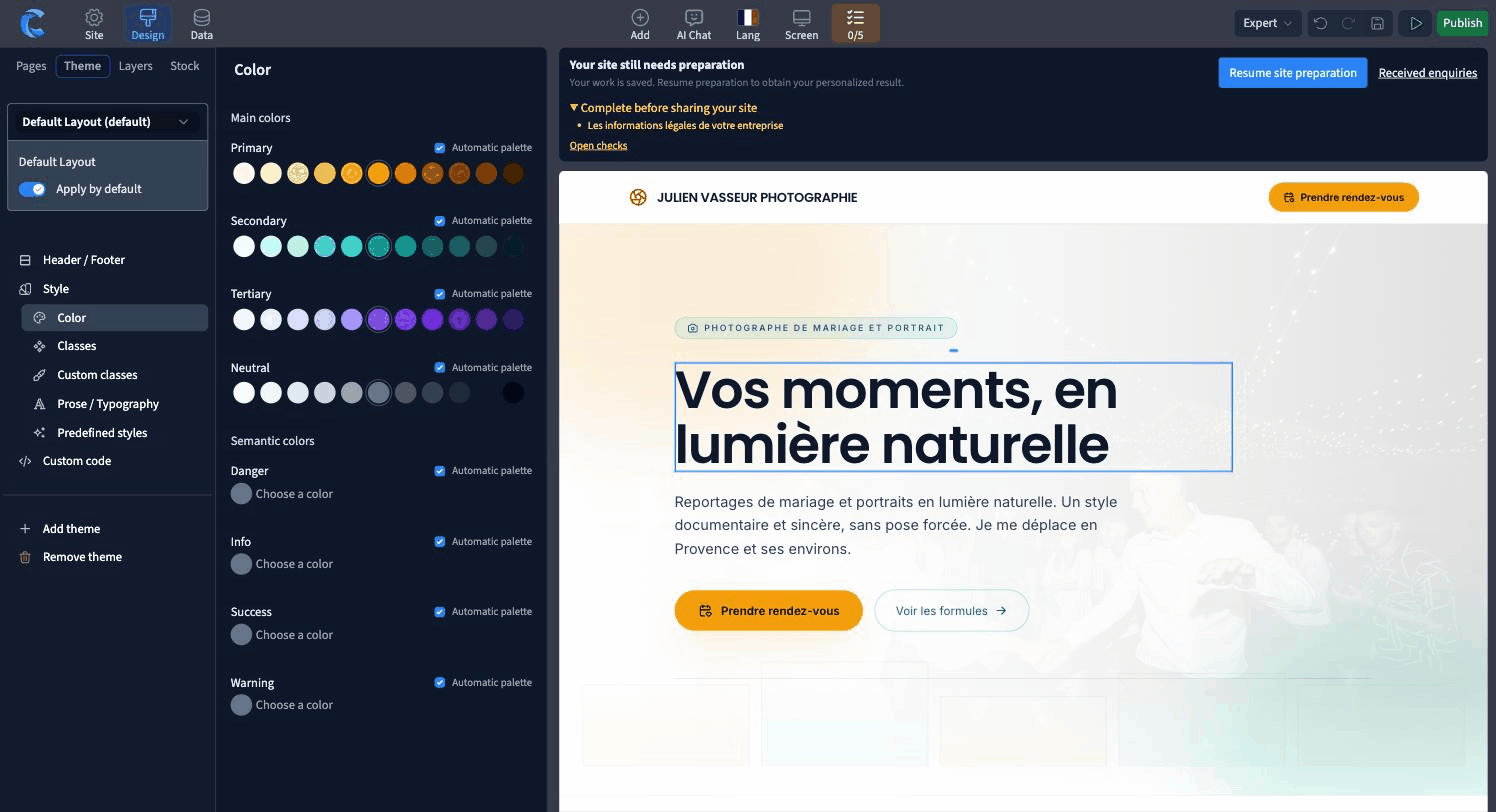
Responsive canvas, reusable components, multiple layouts, dark mode, custom code and deep native styling.

Responsive · Components · Layouts · Custom code
Structured content

Content at scale

Collections, relations, rich field types, dynamic pages, live lists, filters and pagination.

CMS · Relations · Dynamic pages · Live lists
Business applications

Sites that run a service

Bookings, member areas, forums, secure forms and managed email with their own administration.

Booking · Members · Forum · Forms · Email
Workflows & interactivity

Build real interactions

Element workflows, typed variables, database actions, notifications and sandboxed React islands for calculators and tools.

Workflows · Variables · Data actions · React islands
SEO & multilingual

Launch with the technical layer ready

Localized URLs and slugs, hreflang, sitemap per language, JSON-LD, redirects and well-known files.

Localized URLs · hreflang · JSON-LD · Redirects
Release & portability

Deliver with control

Staging, compiled versions, snapshots, full backups, rendered-output verification, static export and external deployment.

Staging · Rollback · Backups · Export
Production foundation
SSR renderingCustom domainsHostingCustom storageAnalyticsAPI + MCP
Inside the editor

The assistant does the work.You keep the tool.

Three screens below, taken from the editor that built this page. These are real editor screens from the page you are viewing. The top bar is always the same: Design, Data, Publish.

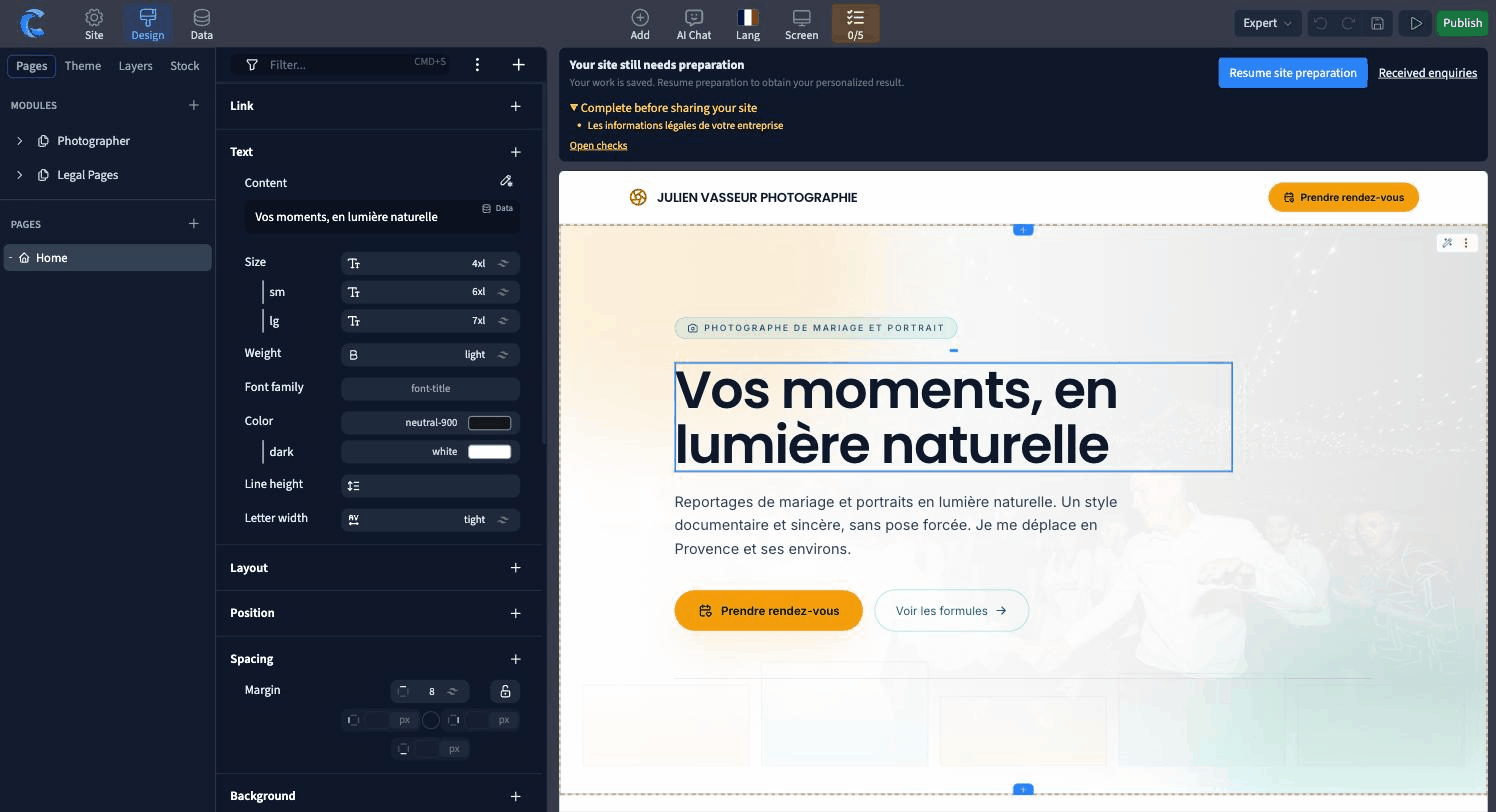
The Communik editor in Design mode: a title selected on the pricing page, with the style panel open on text, layout, spacing, background, border and size
Design

Click an element, change anything

  • ·Text, spacing, colour, border, position, size. The same controls a developer would write by hand, available directly in the visual editor.
  • ·A separate value per screen size, plus a dark variant, on any property.
  • ·Colours and fonts come from your theme, so changing one repaints the whole site.
The Communik editor in Data mode: a CMS collection of trades shown as a table, with columns for name, slug, title, meta title and meta description
Data

Your content in a table, your pages from the table

  • ·One row becomes one page, with its own address, its own title and its own description.
  • ·Add a column and every connected page follows the same layout automatically.
  • ·Filter, translate column by column, and export a collection to CSV whenever you want.
The Communik publish panel: staging and production version numbers, a button to switch either target to any earlier version, and the list of automatic backups
Publish

Publish when you want, go back when you need to

  • ·Staging is private, behind a token. Production is your own domain. You choose what goes where.
  • ·Every publish keeps its version number. Put any of them back on staging or on production in one click.
  • ·A backup is taken before each publish, and you can create and protect your own.

The assistant and the editor act on the same site. Anything it does, you can open, read and change yourself, and the reverse is just as true.

Agency economics

Make every client site a profitable project.

Faster production, clear client management, centralized maintenance.

Production

Reuse what already works

Start from ready-to-customize sites, reusable components and layouts, then use AI for repetitive production tasks.

Ready-to-customize sitesComponentsAI actions
Client handoff

A clean handoff, with agency access

Create the client account, transfer ownership and billing, and keep agency access to continue the relationship.

Client accountsOwnershipBillingAgency access
Ongoing management

Manage recurring work centrally

Use Networks to distribute shared content and resources, keep local adaptations, and follow activity across the client portfolio.

NetworksSegmentsLocal adaptationsActivity
One client relationship

The same project supports every stage.

01 · BUILD

Design and customize

02 · DELIVER

Transfer to the client

03 · GROW

Manage and evolve

For agencies

What agencies want to know before choosing their platform.

Ownership, client handoff, multi-site operations, AI safety, production speed and long-term portability.

Can I hand a project to my client and keep working on it?

Yes. Create the client account, share the project, transfer ownership and keep agency access. The project owner carries its quota and billing, while your agency can remain invited to maintain and evolve the site.

Can I manage many client sites from one place?

Yes. Networks group client sites into one operating layer. Distribute shared content and resources to selected sites, segment the portfolio, keep local overrides, resolve conflicts and follow activity across the network.

What protects the project when AI makes changes?

AI and MCP act on the same editable project you see in the builder. Staging is available before production, publishes are versioned, and you can use block snapshots, full backups and instant rollback to a previous compiled version.

Can I reuse foundations to produce client sites faster?

Yes. Start from installable modules, page types, reusable blocks, components and predefined themes, then customize every detail. A module can bring its collections, dynamic pages, navigation and SEO structure with it.

Can Communik power sites with real business functions?

Yes. Add bookings, member areas, forums, secure forms and managed email. For custom interactions, workflows can update variables and data, trigger notifications, and React islands can power calculators, configurators or other interactive tools.

Can my client update content while I keep control of the design?

Yes. Content lives in structured CMS collections while the layout stays in the visual builder. Dynamic pages and live lists reuse the same design across many rows, so clients can update prices, articles, images or other structured content from the data layer.

Is the technical SEO and multilingual layer built in?

Yes. Published pages use server-side rendering and semantic HTML. Communik supports localized URLs and slugs, hreflang, a sitemap per language, page metadata, JSON-LD, redirects and well-known files as part of the site configuration and publishing flow.

Can I move a published site elsewhere later?

Yes. The static export produces a self-contained site using the same rendering engine, with its assets and links prepared for independent hosting. It can be deployed outside Communik when a project needs that portability.

Who is behind it
We built Communik to give creators and agencies back what they had lost: the freedom to design with full visual control, a straight answer about who touches their data, and a site a search engine can read on the very first request.
JG
Jeremy Gallois
Founder of Communik · Built in France
Write to us directly →
✦ Build the next client site

Your next client site
should take less of your time.

Start from a trade template or an empty canvas. Design by eye, delegate pages, CMS, translations and publishing to your agent, then hand over a site your client can actually run. Build for free; pay when it goes live.

Free to buildMCP + visual editorHosting, CMS & rollback included